

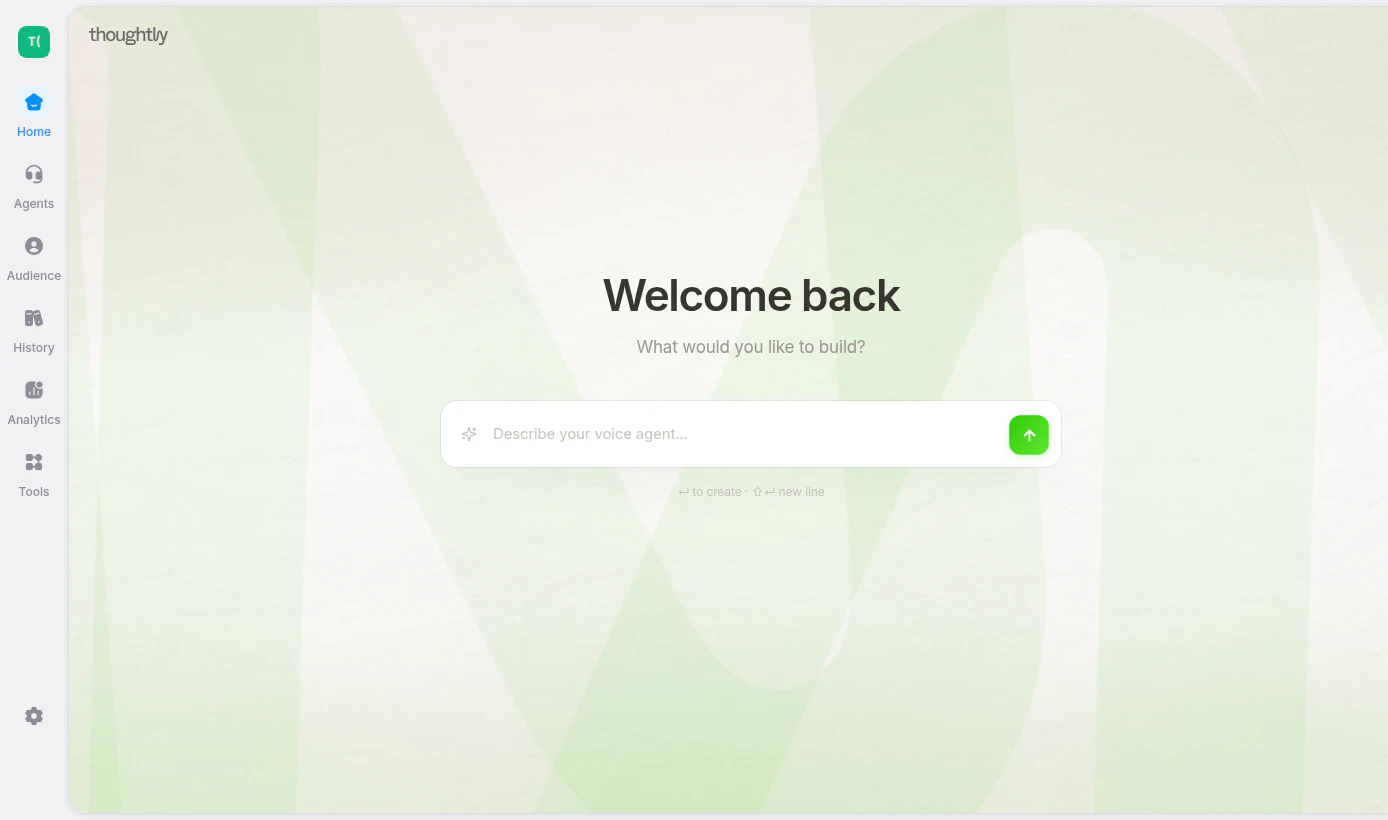
Describe the agent you want to build from the Thoughtly home screen
What Vibes can help with
Vibes can assist with:- Building a new agent from a plain-language description
- Updating an existing flow
- Adding or editing nodes and outcomes
- Drafting prompts and messages
- Configuring agent settings
- Explaining how a workflow is structured
- Iterating on a flow after testing
When Vibes asks questions
If your request is too broad, Vibes may ask clarifying questions before building. This avoids creating a generic agent that misses important business logic. Vibes may ask about:- Business type — the industry or use case
- Agent objective — what the agent should accomplish
- Information to collect — name, email, budget, appointment type, objections, or other fields
- Integrations — CRM, calendar, SMS, webhook, email, or other systems
- Routing and success criteria — when to transfer, end, follow up, or mark the conversation successful
Good prompts
Good Vibes prompts are specific about the desired outcome.Vague prompts
Vague prompts usually need follow-up before Vibes can build well.Review checklist
Before publishing a Vibes-generated flow:- Confirm the agent goal and success criteria are correct.
- Read every message and prompt in the expected channel context.
- Check that variables reference the right fields.
- Confirm required integrations are connected.
- Verify transfer numbers, scheduling links, and webhook URLs.
- Test with realistic metadata in Test Agent.
- Make sure compliance language, opt-out handling, and suppression rules fit your workflow.