Documentation Index

Fetch the complete documentation index at: https://docs.thoughtly.com/llms.txt

Use this file to discover all available pages before exploring further.

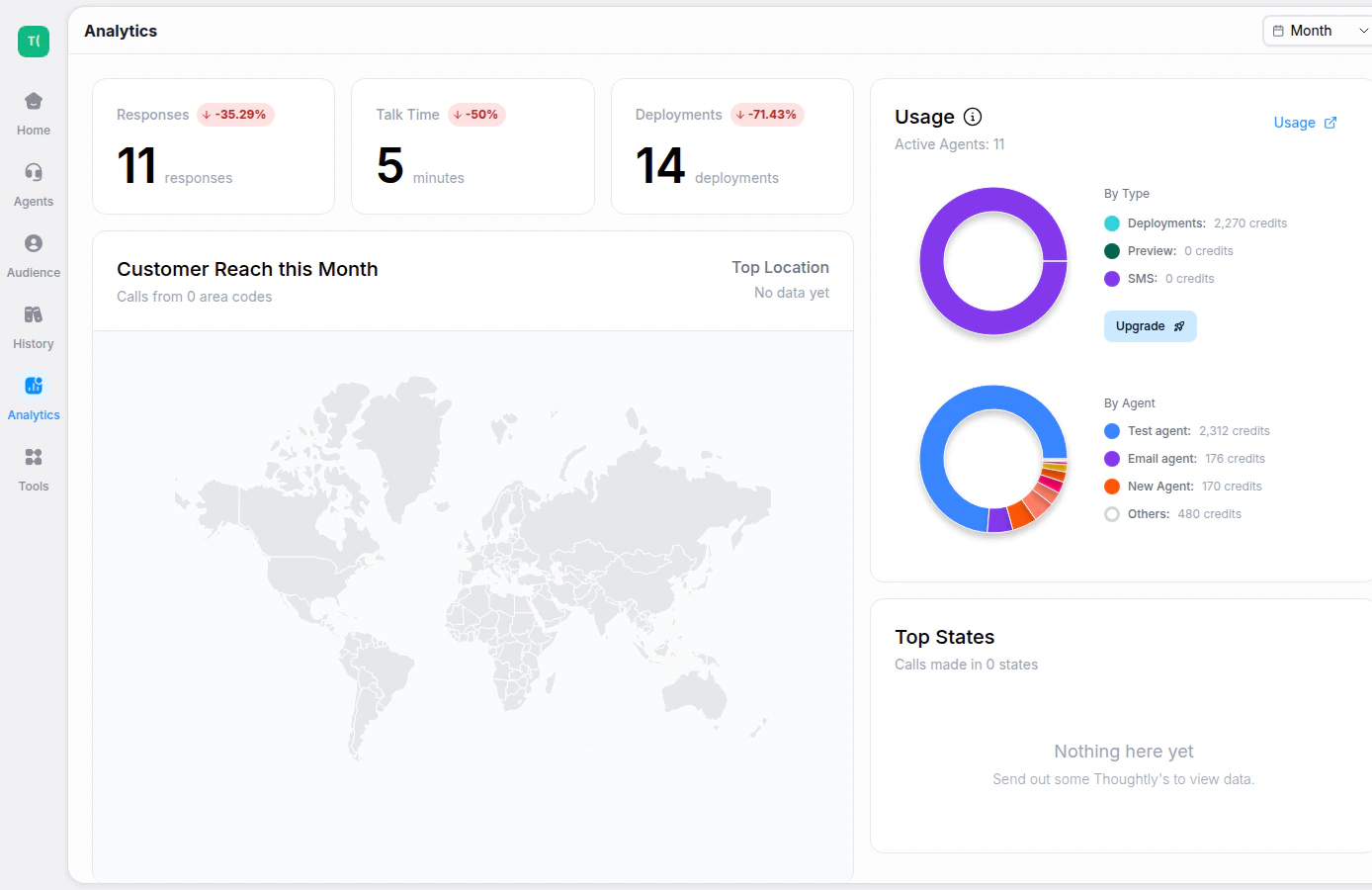
The Analytics page gives you a high-level view of workspace activity, usage, and performance trends. Use it to understand how agents are being used and where to investigate deeper in History.
Thoughtly Analytics dashboard with responses, talk time, deployments, and usage charts

What you can review

  • Responses — total agent responses across the selected time period.
  • Talk Time — total minutes of conversation time.
  • Deployments — active deployed agents or channels.
  • Usage by type — credit consumption across calls, SMS, training, previews, and other activity.
  • Usage by agent — which agents are driving the most activity.

Measuring success

A completed call is not always a successful outcome. Pair Analytics with History, outcomes, tags, and exported data to measure the business result that matters for your workflow.