

What you’ll find
- Audiences Table — a searchable, filterable list of all contacts in your workspace.
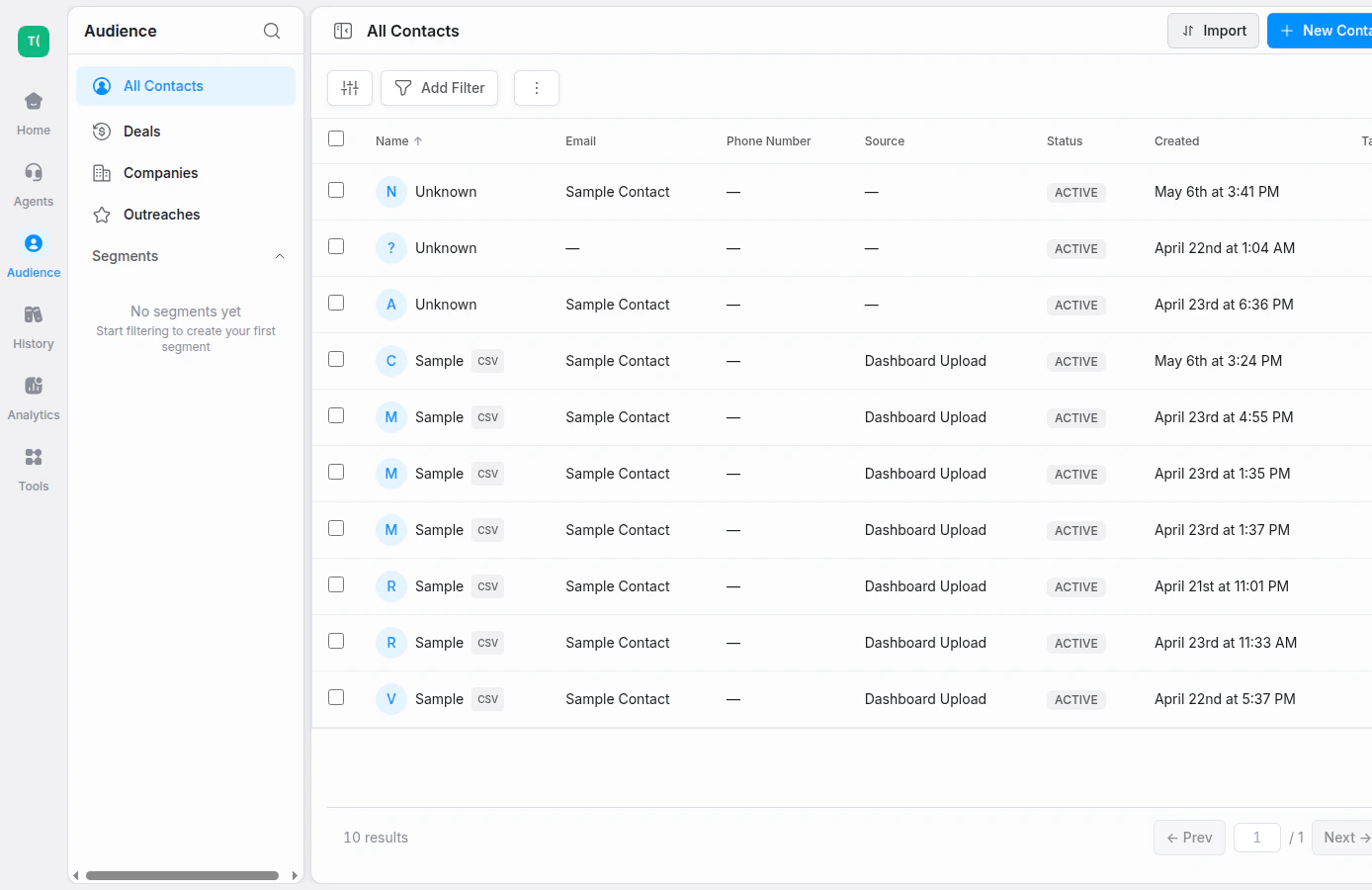
Filter and review contacts from the Audiences table
Coming soon
We’re actively building out the full Audiences experience, including:- Contact Detail views (Overview, Timeline, Memories)
- Settings → Audiences controls (Attributes, Consent, Suppression List)
See also
- History — view all interactions across all agents
- Settings → Audiences — audience settings and upcoming controls
- Automations — trigger workflows based on call outcomes