

Primary navigation
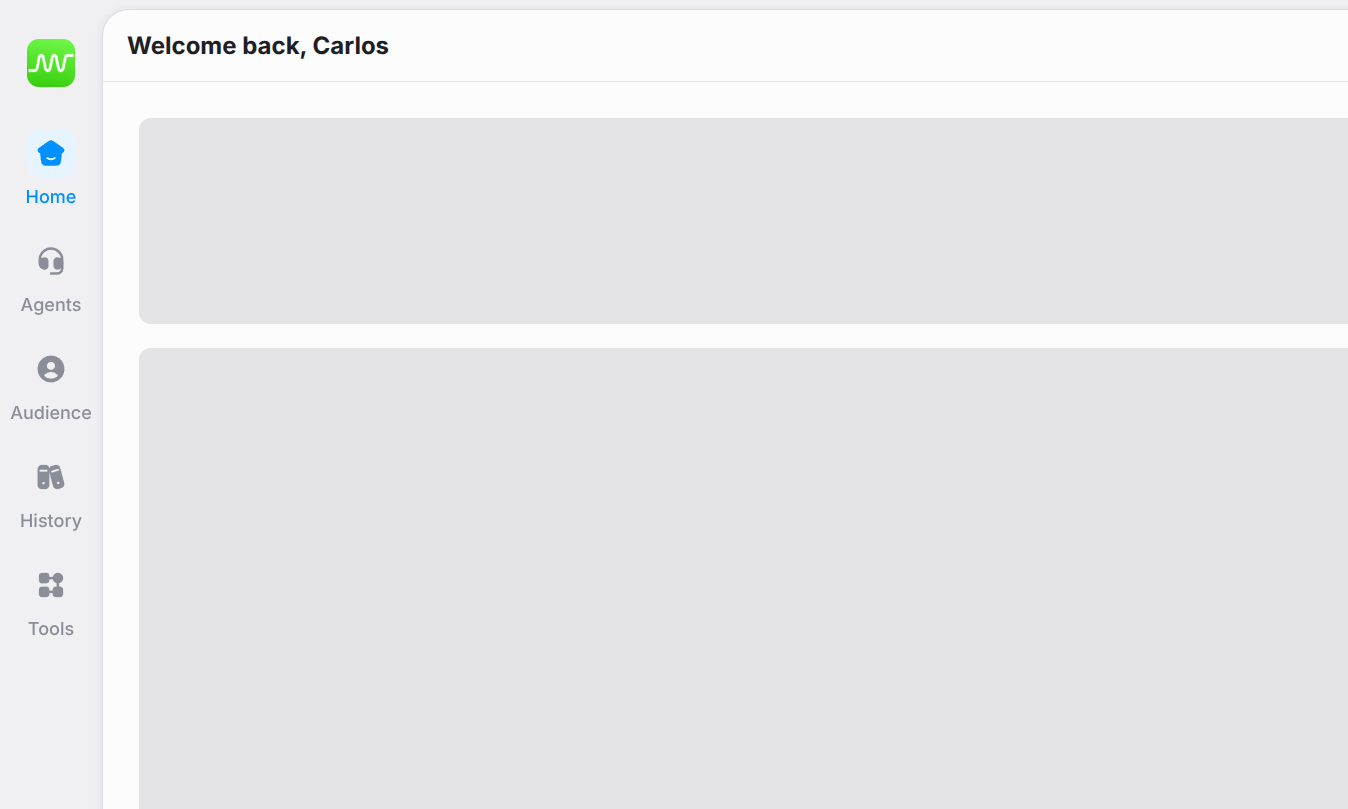
Primary navigation
Tools
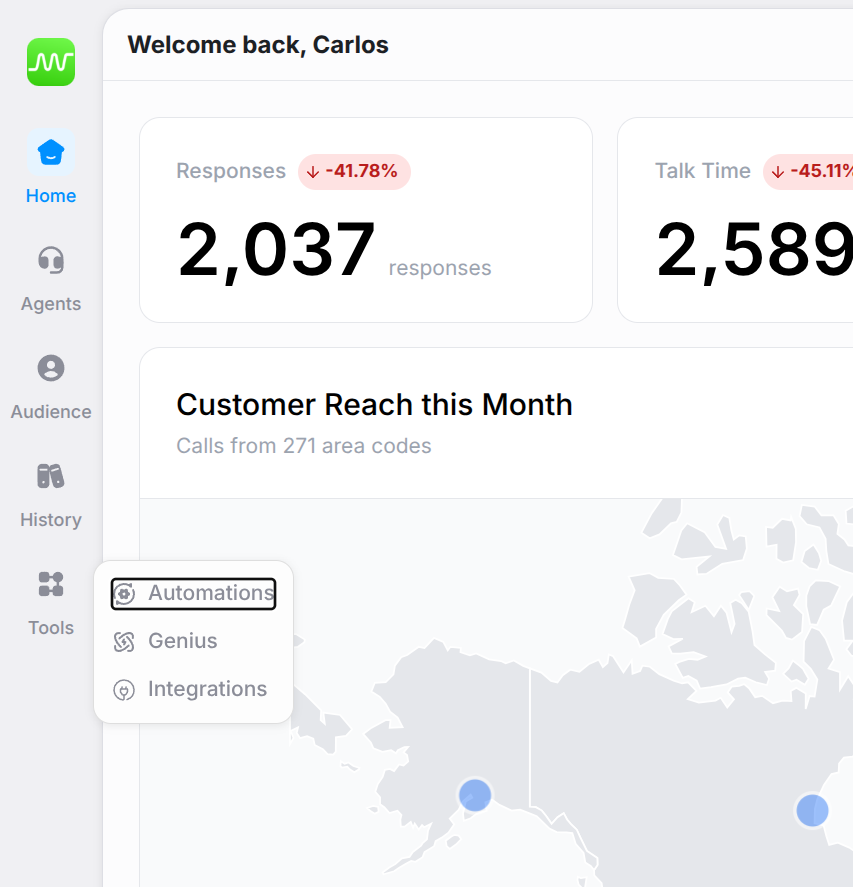
Tools hover menu
- Genius — create and manage knowledge bases that agents can reference
- Automations — configure workflows triggered by agent interactions
- Integrations — connect Thoughtly to external services
Other navigation elements
- Settings — accessed via the gear icon. Workspace-level configuration for general settings, audiences, phone numbers, voices, usage, subscription, developer tools, and audit log.
- Workspace Switcher — click the workspace icon (top-left) to switch between workspaces or create a new one.
- User Menu — click your avatar to access profile preferences, credit balance, and quick links.
See also
- Quick Start Guide — build your first agent in 15 minutes
- Agent Builder — design and deploy voice agents
- Audiences — manage your contacts
- History — review all interactions