

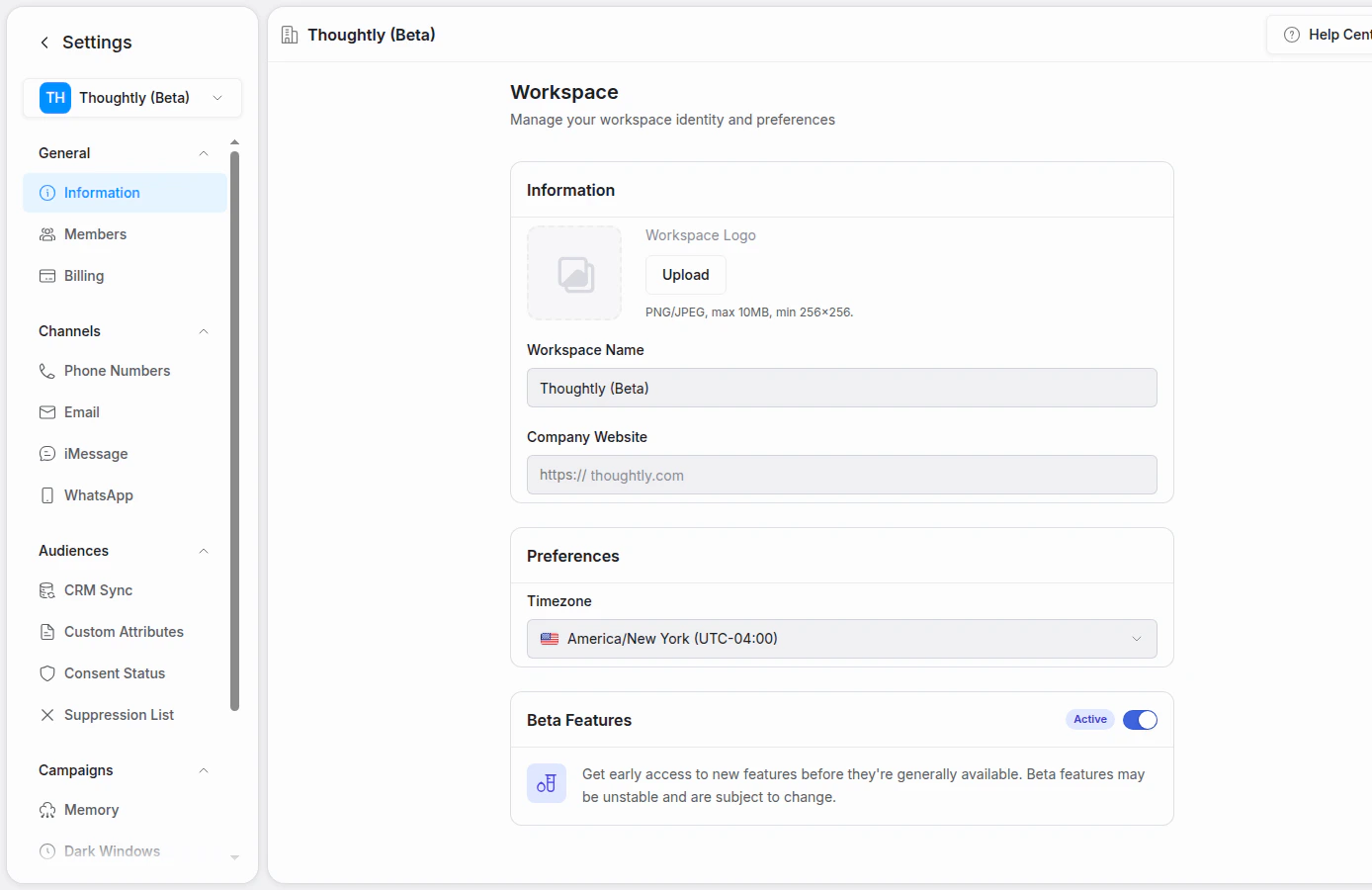
Omnichannel settings are managed from one workspace settings area
What omnichannel means in Thoughtly
An omnichannel workflow usually combines:- Agents — the conversation logic, prompts, nodes, variables, and actions.
- Channels — voice, SMS, WhatsApp, email, iMessage, or another connected channel.
- Automations — triggers and steps that start conversations, send follow-ups, update CRMs, or route data.
- Audiences — the contacts, attributes, consent state, and channel reachability signals that inform each interaction.
- History and analytics — the record of what happened, where it happened, and whether it achieved the intended business outcome.
A channel changes how an agent should communicate. A voice prompt like “Hi, is this Brian?” may be natural on a call but awkward in email or SMS. Review prompts and messages for the channel where they will be used.
Common workflows
Lead follow-up across call and SMS
- A new lead enters your CRM or form system.
- An automation starts an outbound call with the right Thoughtly agent.
- If the contact does not answer, the automation sends an SMS follow-up.
- If the contact replies, the agent continues the conversation by text with the same contact context.
- The result is written back to your CRM or exported from History.
Appointment scheduling
- A contact asks to book time.
- The agent checks availability or receives availability from a previous automation step.
- The agent books through a scheduling integration such as Cal.com, Calendly, or Zoho Bookings.
- A confirmation message is sent over the best channel for the contact.
Support or operations triage
- A customer contacts your business by phone, SMS, WhatsApp, or email.
- The agent collects the issue, checks available context, and routes the request.
- If needed, the agent transfers the call, sends a follow-up, updates contact attributes, or triggers an external workflow.
Channel capabilities
Design guidance
- Start with the outcome. Define what success means: booking created, lead qualified, transfer completed, payment collected, issue resolved, or another business event.
- Use the right channel for the moment. Voice is best for urgency and live qualification. SMS and WhatsApp are good for quick replies. Email is better for longer context and written confirmation.
- Keep compliance close. Configure consent mode, suppression lists, opt-out handling, and quiet hours before scaling outbound workflows.
- Make variables channel-aware. Use
channel_typeand other variables to branch copy, timing, and routing by channel. - Measure success directly. A completed call is not always a successful call. Use outcomes, variables, tags, exports, and analytics to track the result that matters.