

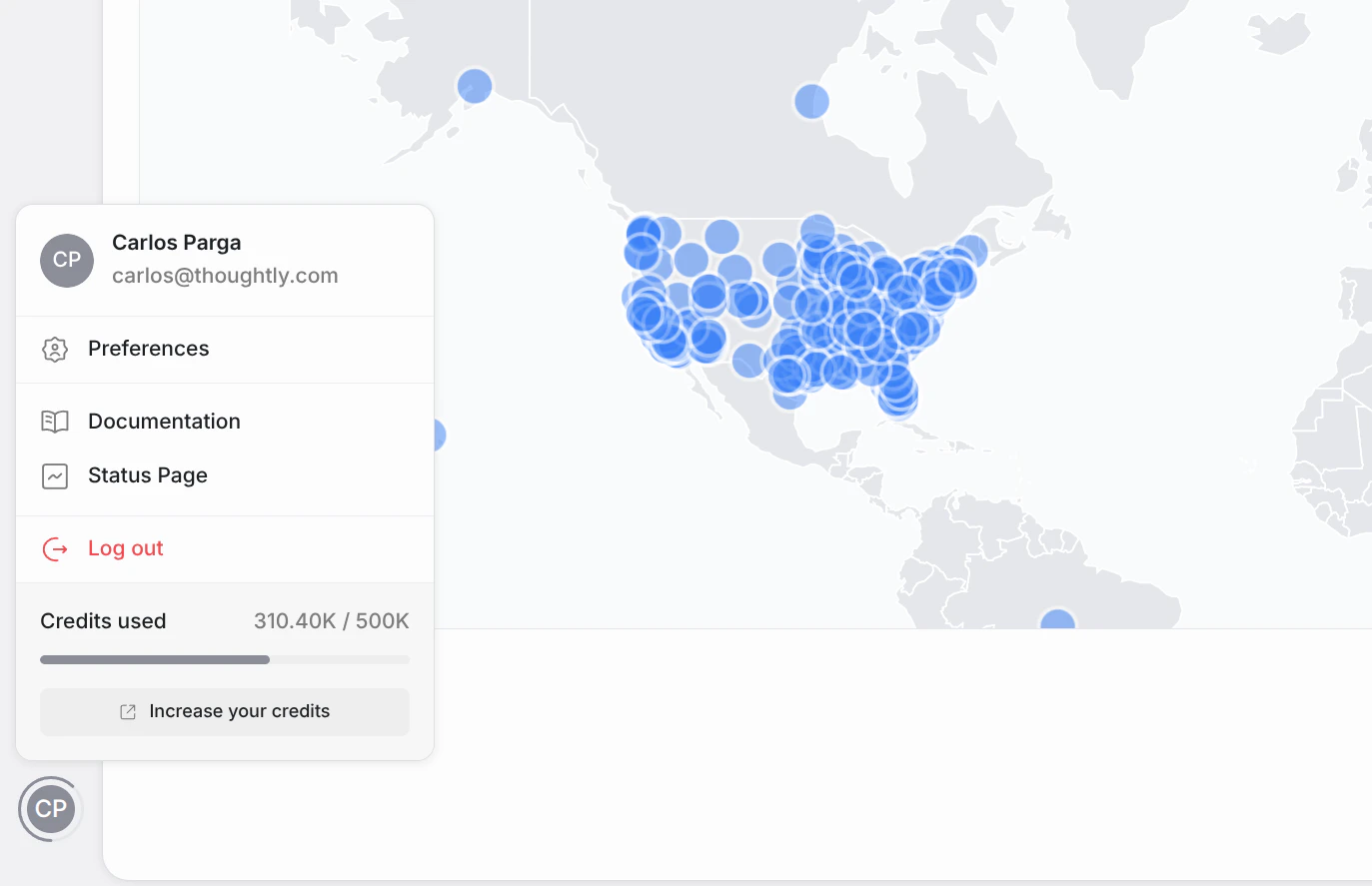
User Menu
What you’ll see
Profile Modal
Clicking Preferences opens a modal where you can manage your personal profile. This is a lightweight overlay — it does not navigate to a new page.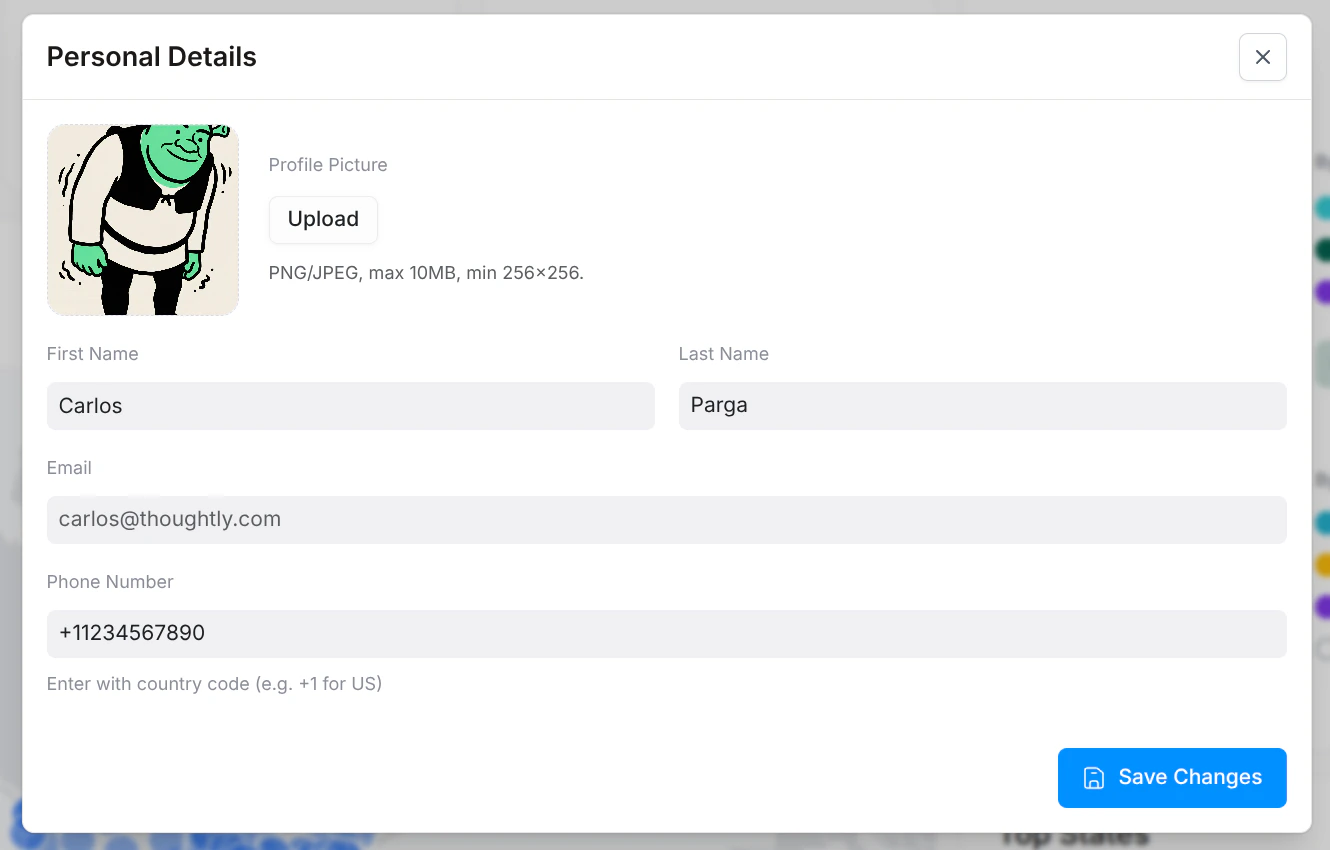
Profile Modal
User authentication and security (password changes, SSO, etc.) are handled by Wristband and are not part of the Thoughtly settings interface.
See also
- Settings → Subscription — manage your plan and credits
- Workspace Switcher — switch between workspaces