

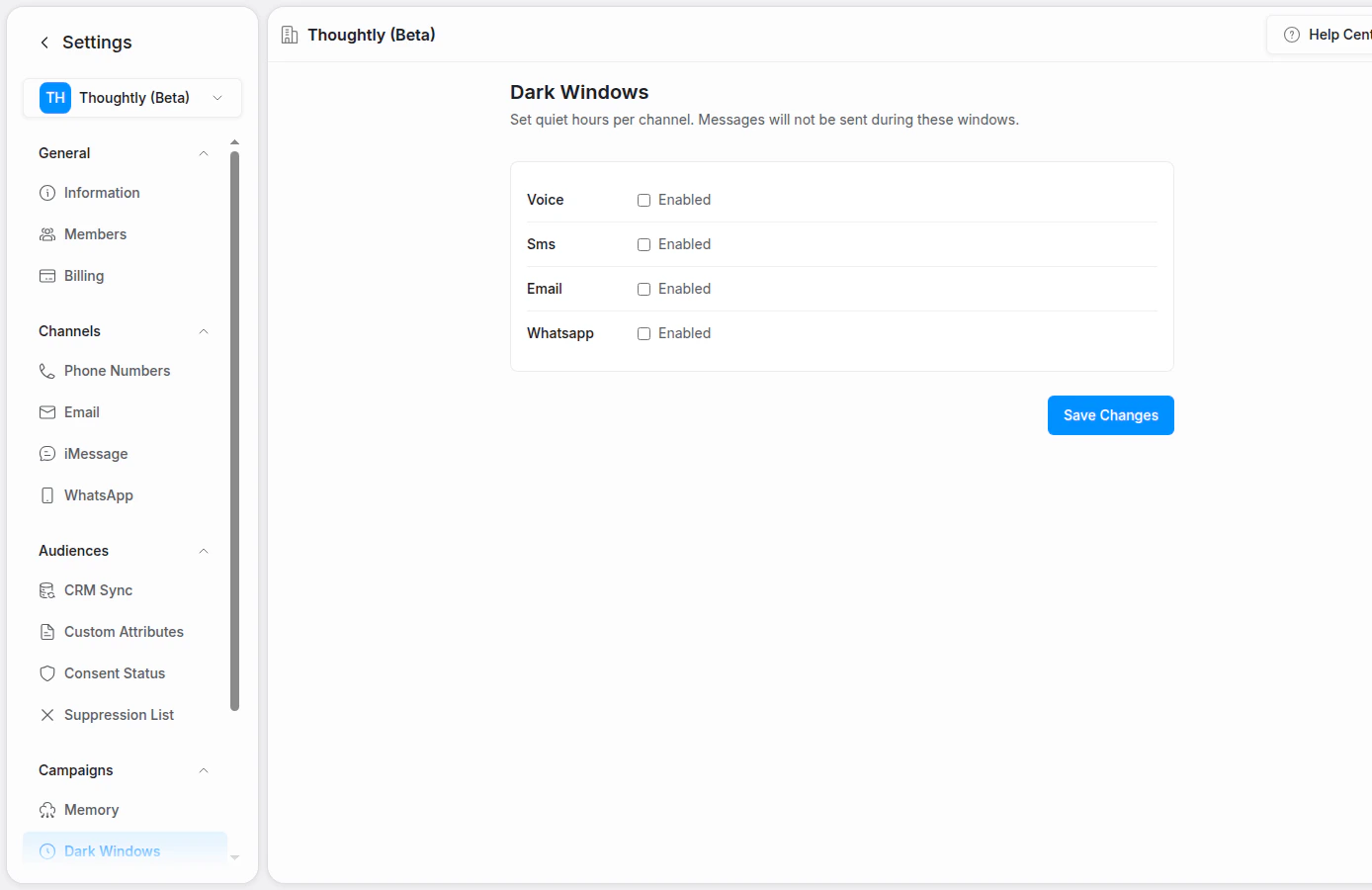
Set quiet hours by channel
Channels
Dark windows can apply to supported outbound channels:- Voice
- SMS
Configure a dark window
- Go to Settings → Campaigns → Dark Windows or the equivalent workspace setting.
- Choose the channel.
- Enable quiet hours for that channel.
- Set the start and end time.
- Save changes.
Time zones
Dark windows are usually evaluated against your workspace timezone unless contact-level timezone behavior is enabled. If you contact people across multiple regions, confirm which timezone your workspace uses before scaling outbound workflows.Best practices
- Align quiet hours with your compliance and customer-experience policies.
- Use stricter windows for SMS and WhatsApp than for email when appropriate.
- Pair dark windows with consent and suppression.