> ## Documentation Index
> Fetch the complete documentation index at: https://docs.thoughtly.com/llms.txt
> Use this file to discover all available pages before exploring further.
# Platform overview
> Tour the Thoughtly platform — agents, automations, audiences, history, analytics, integrations, and settings — and how each area fits together for voice AI.
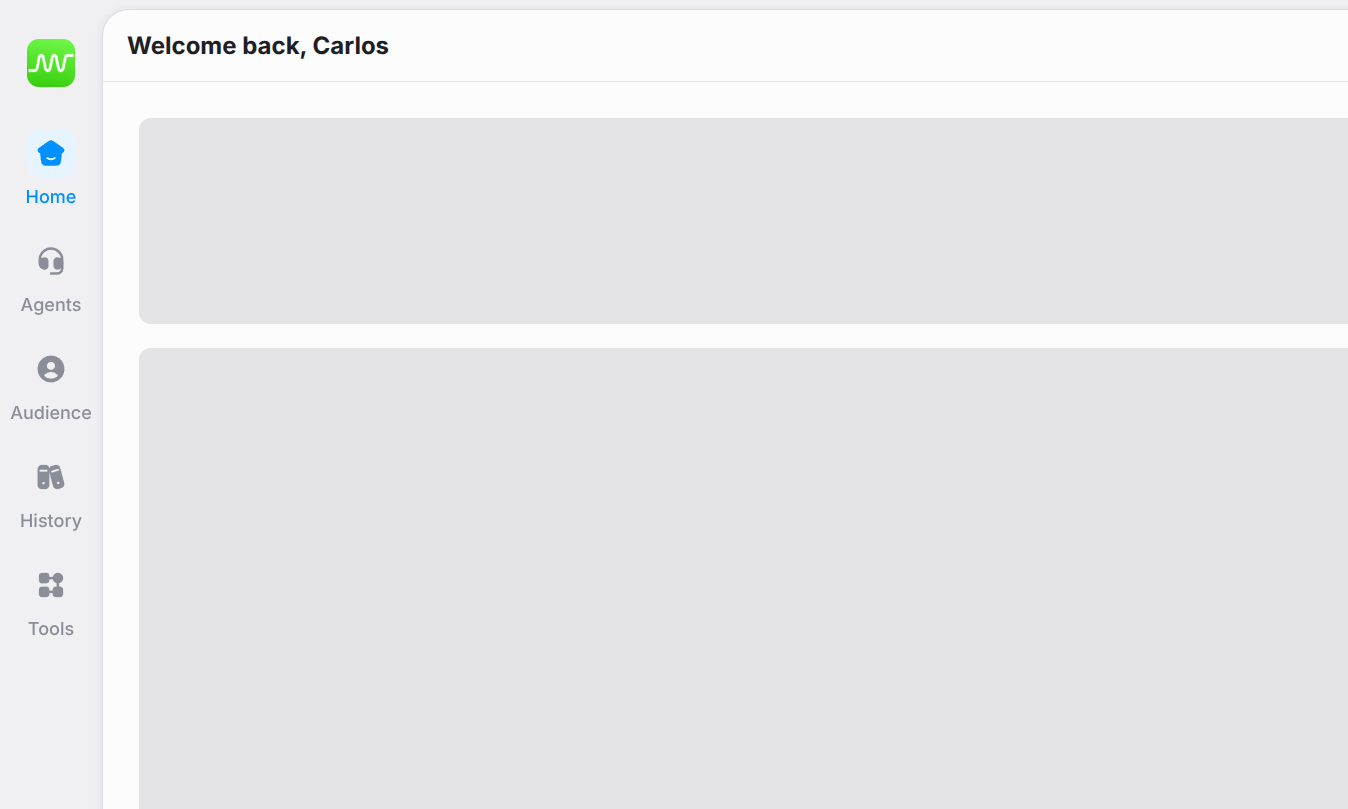
The Thoughtly platform is organized into five primary sections, accessible from the left-hand navigation.
## Primary navigation
 | Section | URL | Description |
| ------------- | ----------- | --------------------------------------------------------------------------------------------------------------------- |
| **Home** | `/` | Performance analytics dashboard with key metrics and geographic activity visualization. |
| **Agent** | `/agent` | Create, manage, and deploy AI agents. The Agents List is the default view; clicking an agent opens the Agent Builder. |
| **Audiences** | `/audience` | Manage contacts in the Audiences table. Additional CRM views and controls are in progress. |
| **History** | `/history` | Global, filterable log of all interactions across all agents. |
| **Tools** | — | Utilities that enhance agent capabilities. Reveals a hover menu with links to Genius, Automations, and Integrations. |
## Tools
| Section | URL | Description |
| ------------- | ----------- | --------------------------------------------------------------------------------------------------------------------- |
| **Home** | `/` | Performance analytics dashboard with key metrics and geographic activity visualization. |
| **Agent** | `/agent` | Create, manage, and deploy AI agents. The Agents List is the default view; clicking an agent opens the Agent Builder. |
| **Audiences** | `/audience` | Manage contacts in the Audiences table. Additional CRM views and controls are in progress. |
| **History** | `/history` | Global, filterable log of all interactions across all agents. |
| **Tools** | — | Utilities that enhance agent capabilities. Reveals a hover menu with links to Genius, Automations, and Integrations. |
## Tools
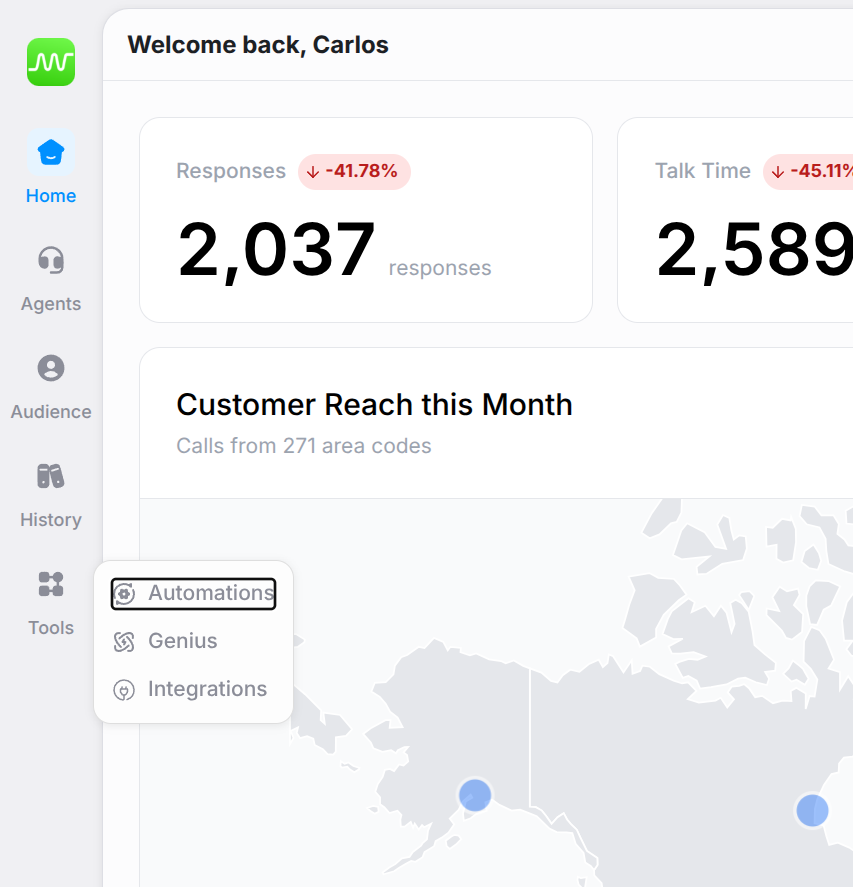 The Tools menu does not have its own landing page. Hover over it to access:
* **[Genius](/genius/getting-started)** — create and manage knowledge bases that agents can reference
* **[Automations](/automations/getting-started)** — configure workflows triggered by agent interactions
* **[Integrations](/integrations/getting-started)** — connect Thoughtly to external services
## Other navigation elements
* **[Settings](/platform/settings/general)** — accessed via the gear icon. Workspace-level configuration for general settings, audiences, phone numbers, voices, usage, subscription, developer tools, and audit log.
* **[Workspace Switcher](/platform/workspace-switcher)** — click the workspace icon (top-left) to switch between workspaces or create a new one.
* **[User Menu](/platform/user-menu)** — click your avatar to access profile preferences, credit balance, and quick links.
## See also
* [Quick Start Guide](/getting-started/quick-start) — build your first agent in 15 minutes
* [Agent Builder](/agents/overview) — design and deploy voice agents
* [Audiences](/platform/audiences) — manage your contacts
* [History](/platform/history) — review all interactions
The Tools menu does not have its own landing page. Hover over it to access:
* **[Genius](/genius/getting-started)** — create and manage knowledge bases that agents can reference
* **[Automations](/automations/getting-started)** — configure workflows triggered by agent interactions
* **[Integrations](/integrations/getting-started)** — connect Thoughtly to external services
## Other navigation elements
* **[Settings](/platform/settings/general)** — accessed via the gear icon. Workspace-level configuration for general settings, audiences, phone numbers, voices, usage, subscription, developer tools, and audit log.
* **[Workspace Switcher](/platform/workspace-switcher)** — click the workspace icon (top-left) to switch between workspaces or create a new one.
* **[User Menu](/platform/user-menu)** — click your avatar to access profile preferences, credit balance, and quick links.
## See also
* [Quick Start Guide](/getting-started/quick-start) — build your first agent in 15 minutes
* [Agent Builder](/agents/overview) — design and deploy voice agents
* [Audiences](/platform/audiences) — manage your contacts
* [History](/platform/history) — review all interactions