> ## Documentation Index
> Fetch the complete documentation index at: https://docs.thoughtly.com/llms.txt
> Use this file to discover all available pages before exploring further.
# Audiences and contact management
> Manage contacts, build segments, and connect CRM data inside Thoughtly so voice agents and automations can target the right people for outbound campaigns.
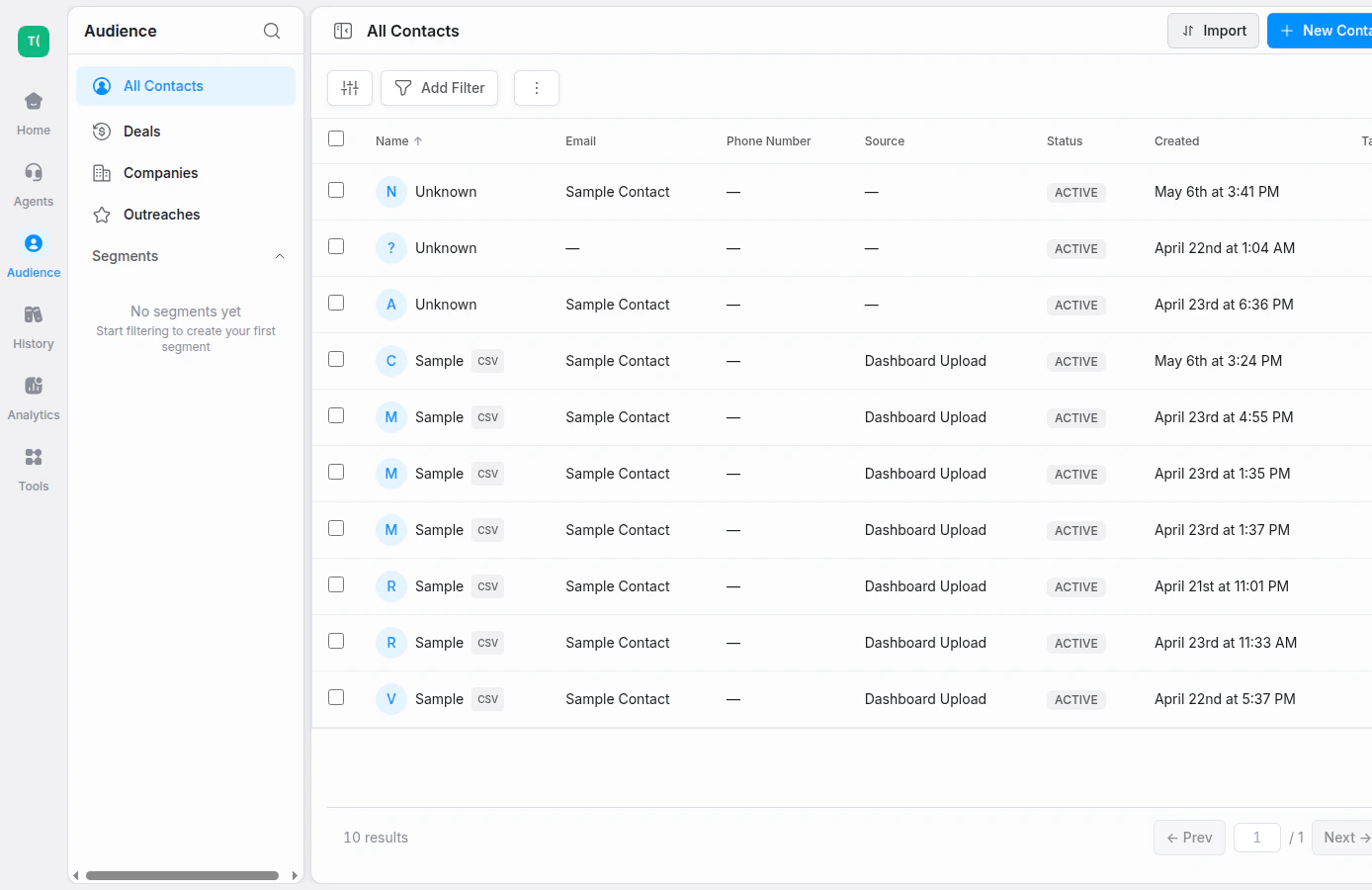
Audiences is your central hub for managing contacts. Access it from the **Audiences** tab in the primary navigation.
## What you'll find
* **Audiences Table** — a searchable, filterable list of all contacts in your workspace.
 ## Coming soon
We're actively building out the full Audiences experience, including:
* **Contact Detail** views (Overview, Timeline, Memories)
* **Settings → Audiences** controls (Attributes, Consent, Suppression List)
## See also
* [History](/platform/history) — view all interactions across all agents
* [Settings → Audiences](/platform/settings/audiences) — audience settings and upcoming controls
* [Automations](/automations/getting-started) — trigger workflows based on call outcomes
## Segments, filters, and contact detail
Audiences supports search, filters, and saved segments so you can work with the right group of contacts.
You can filter by attributes such as name, email, phone, tags, dates, custom fields, and engagement data. Save frequently used filters as segments for quick access.
## Contact timeline
The contact detail view can show a timeline of activity across channels, including calls, messages, replies, and other interaction events. Use the timeline to understand the contact journey before launching another outreach step.
## Coming soon
We're actively building out the full Audiences experience, including:
* **Contact Detail** views (Overview, Timeline, Memories)
* **Settings → Audiences** controls (Attributes, Consent, Suppression List)
## See also
* [History](/platform/history) — view all interactions across all agents
* [Settings → Audiences](/platform/settings/audiences) — audience settings and upcoming controls
* [Automations](/automations/getting-started) — trigger workflows based on call outcomes
## Segments, filters, and contact detail
Audiences supports search, filters, and saved segments so you can work with the right group of contacts.
You can filter by attributes such as name, email, phone, tags, dates, custom fields, and engagement data. Save frequently used filters as segments for quick access.
## Contact timeline
The contact detail view can show a timeline of activity across channels, including calls, messages, replies, and other interaction events. Use the timeline to understand the contact journey before launching another outreach step.