> ## Documentation Index
> Fetch the complete documentation index at: https://docs.thoughtly.com/llms.txt
> Use this file to discover all available pages before exploring further.
# Analytics in Thoughtly
> Monitor voice agent performance, call volumes, outcome rates, and credit usage across your Thoughtly workspace with built-in dashboards and filterable reports.
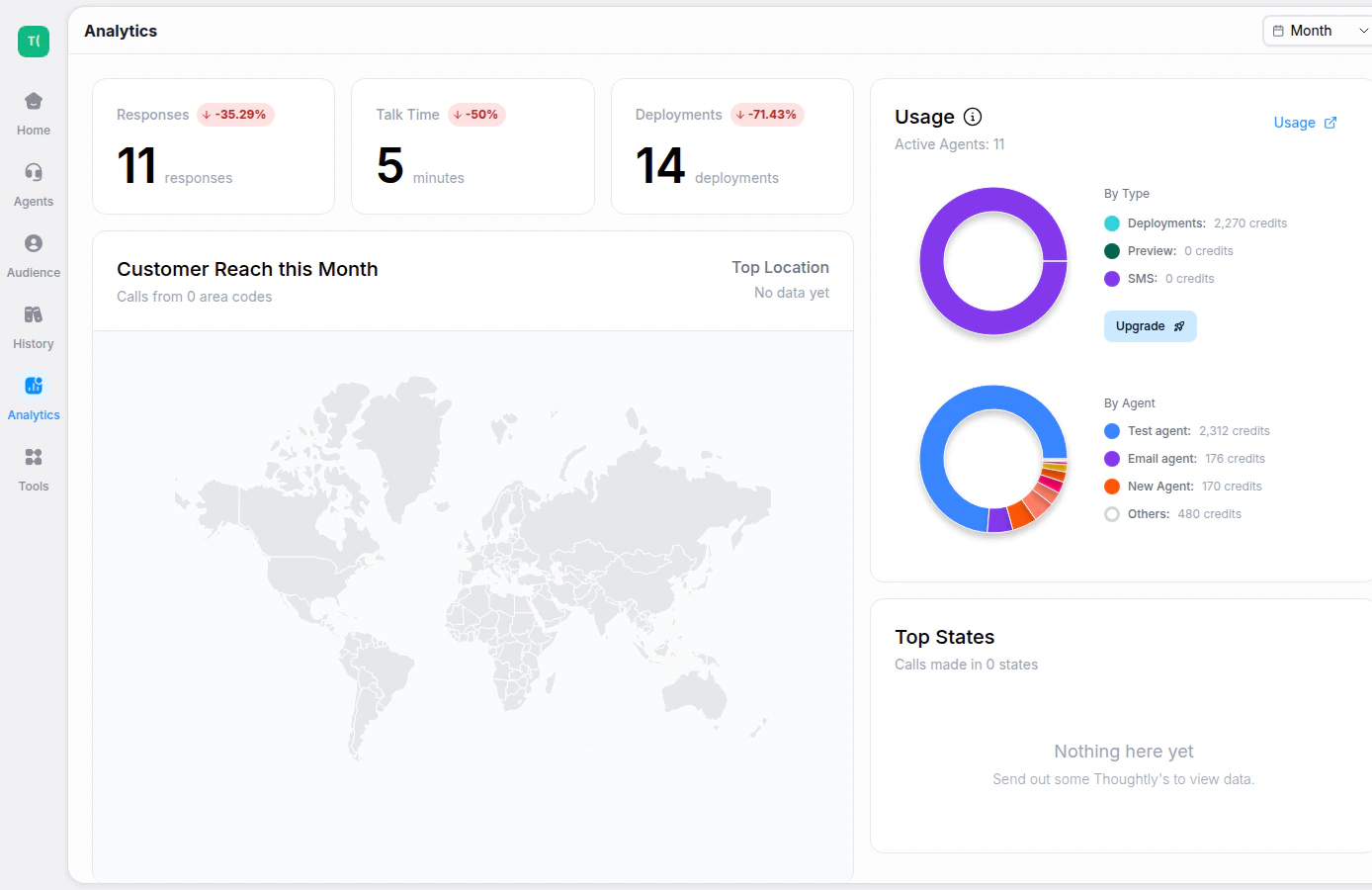
The Analytics page gives you a high-level view of workspace activity, usage, and performance trends. Use it to understand how agents are being used and where to investigate deeper in History.
 ## What you can review
* **Responses** — total agent responses across the selected time period.
* **Talk Time** — total minutes of conversation time.
* **Deployments** — active deployed agents or channels.
* **Usage by type** — credit consumption across calls, SMS, training, previews, and other activity.
* **Usage by agent** — which agents are driving the most activity.
## Measuring success
A completed call is not always a successful outcome. Pair Analytics with [History](/platform/history), outcomes, tags, and exported data to measure the business result that matters for your workflow.
## What you can review
* **Responses** — total agent responses across the selected time period.
* **Talk Time** — total minutes of conversation time.
* **Deployments** — active deployed agents or channels.
* **Usage by type** — credit consumption across calls, SMS, training, previews, and other activity.
* **Usage by agent** — which agents are driving the most activity.
## Measuring success
A completed call is not always a successful outcome. Pair Analytics with [History](/platform/history), outcomes, tags, and exported data to measure the business result that matters for your workflow.